Trading bots you can inspect, configure, and run yourself.
Two approaches to trading on Alpaca: a focused intraday strategy in Nero X, and broader market rotation with an AI judgment layer in Nero DX. Both come as Python source, with dashboards and deployment tools.
Python sourceYour Alpaca accountPaper trading firstDownloads on Ko-fi
Two approaches
Choose your horizon.
Same broker. Different strategies.
The focused intraday bot
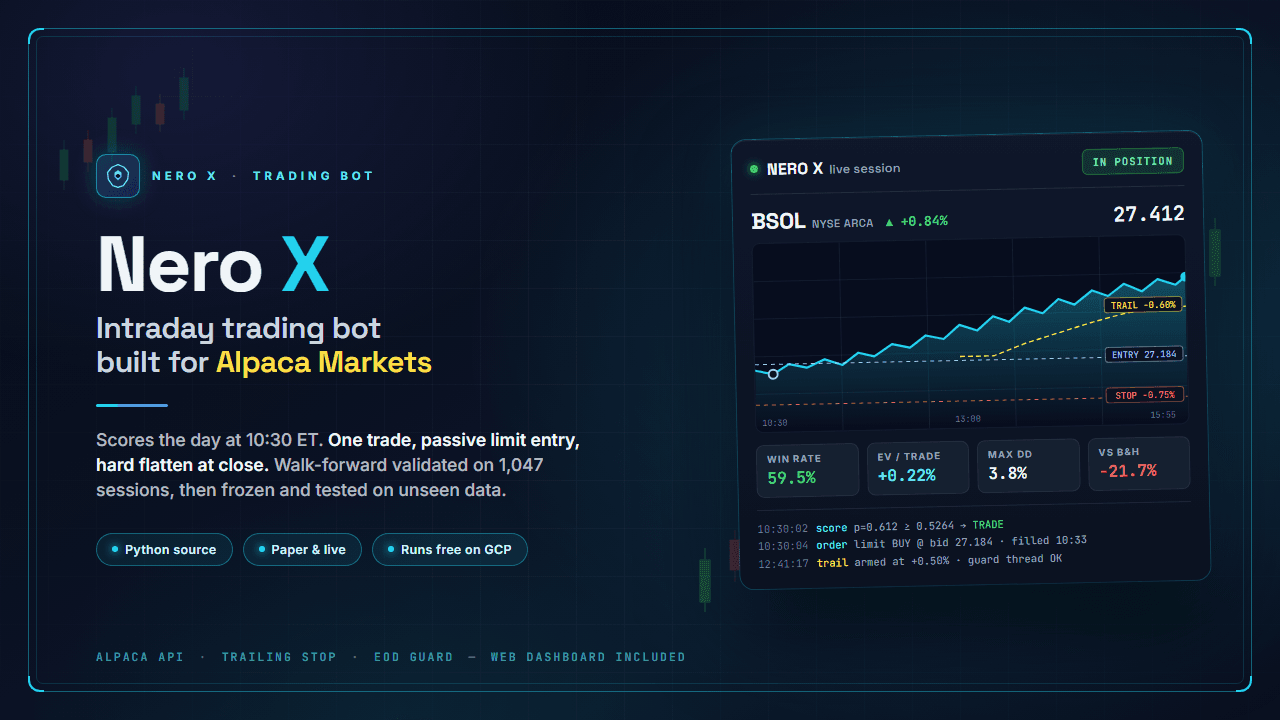
Nero X
One instrument. One daily decision.
A long-only bot for BSOL, the Bitwise Solana ETF. A frozen statistical model looks for a specific setup: Bitcoin moving first, with Solana still catching up.
Scores the session at 10:30 New York time; takes at most one trade per day.
Uses passive limit entries, a protective stop, and a trailing stop.
Closes positions before the session ends, with an independent end-of-day guard.
In the download
Python bot, frozen model, web dashboard, deployment scripts, research tools, and the paper-trading record.
You provide
Python, your own Alpaca account and API keys. No OpenRouter key needed.
View the current price and download details on Ko-fi.
The multi-asset decision bot
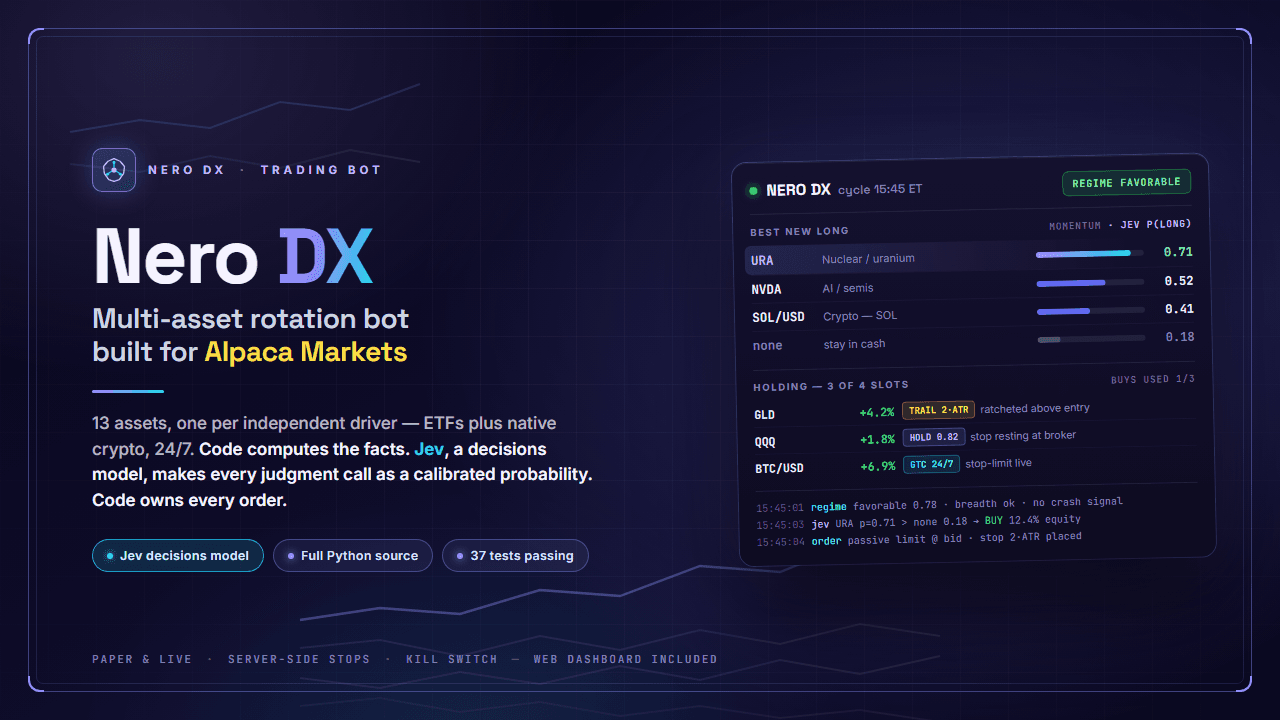
Nero DX
Follow trends across different markets.
A long-only rotation bot for stocks, ETFs, and native crypto on Alpaca. Jev, a decisions model, evaluates news, trend quality, candidates, and existing holdings.
Combines scheduled decision cycles with ongoing position and risk monitoring.
Code enforces sizing, correlation filters, position limits, and the daily buy budget.
Manages broker-side stops and includes a manual halt switch; crypto monitoring runs around the clock.
In the download
Python source, decision templates, configurable asset universe, tests, web dashboard, deployment scripts, and design notes.
You provide
Python 3.12, your own Alpaca account and API keys, plus an OpenRouter key for Jev calls.
View the current price and download details on Ko-fi.
Product illustrations show example dashboards. Their displayed figures are not live account results.
Inside Nero DX
Code runs the workflow. Jev supplies judgment.
Structured questions and probability outputs connect the model to the strategy.
01 / Observe
Compute the facts
Code prepares indicators, momentum ranks, volatility, correlations, and market news.
02 / Evaluate
Ask the decision model
Jev evaluates the market regime and candidates, then returns choices, scores, and probabilities.
03 / Execute
Apply the trading rules
Code checks thresholds and risk limits, sizes positions, submits orders, and records what happened.
From the bots to the benchmark
Put the decisions under a microscope.
PI Trading Arena grew out of Nero DX’s decision workflow. It gives pinned models identical historical market states, applies a common allocation rule, and compares their simulated accounts from a $1,000 start.
The replay isolates model allocation decisions. It does not reproduce Nero DX’s full portfolio strategy or establish the live performance of either bot. Methodology, limitations, and replay files are published with the results.
Start on paper
From download to your own run.
01
Get the package on Ko-fi
Choose Nero X or Nero DX above. Each listing explains the included source, documentation, and download.
02
Configure your environment
Install Python and the package dependencies, add your own API keys, and follow the included setup guide. These are self-hosted bots; you run them on your computer or a server.
03
Observe it on a paper account
Check decisions, skipped entries, orders, and fills in the dashboard and logs. Nero DX also uses paid model calls through OpenRouter. Broker, data, and hosting costs depend on your setup.